Guide 1
Workspace setup
Set up your workspace in five clear steps, so every follow-up is built on your business.
Open Guide 1CardToClose · Resources
Short guides and tips to help you turn every conference conversation into a follow-up worth replying to. Start with the voice note, the one habit that changes everything.
2 guides · 4 practical tips · 6 pages
Start here
Work through these in order the first time. Come back to any of them whenever you need a reminder.
Guide 1
Set up your workspace in five clear steps, so every follow-up is built on your business.
Open Guide 1Guide 2
From a business card to a follow-up ready to send, in about two minutes.
Open Guide 2Walkthrough video
Watch one real capture, from the card photo to a follow-up ready for review, in under four minutes.
Watch walkthroughTip 1 · The voice note
The follow-up is only as good as what you say in your voice note. You do not need a script. Cover three things and the draft has everything it needs.
Who they are. Their name, company and role, and anything about their situation that stood out.
What they need. The problem they are trying to solve, or what they are looking for.
The next step. What you agreed, or what you want to happen next.
That is 30 seconds. It names who, what, and the next step, so the draft comes back specific and ready.
Tip 2 · Make it sound like you
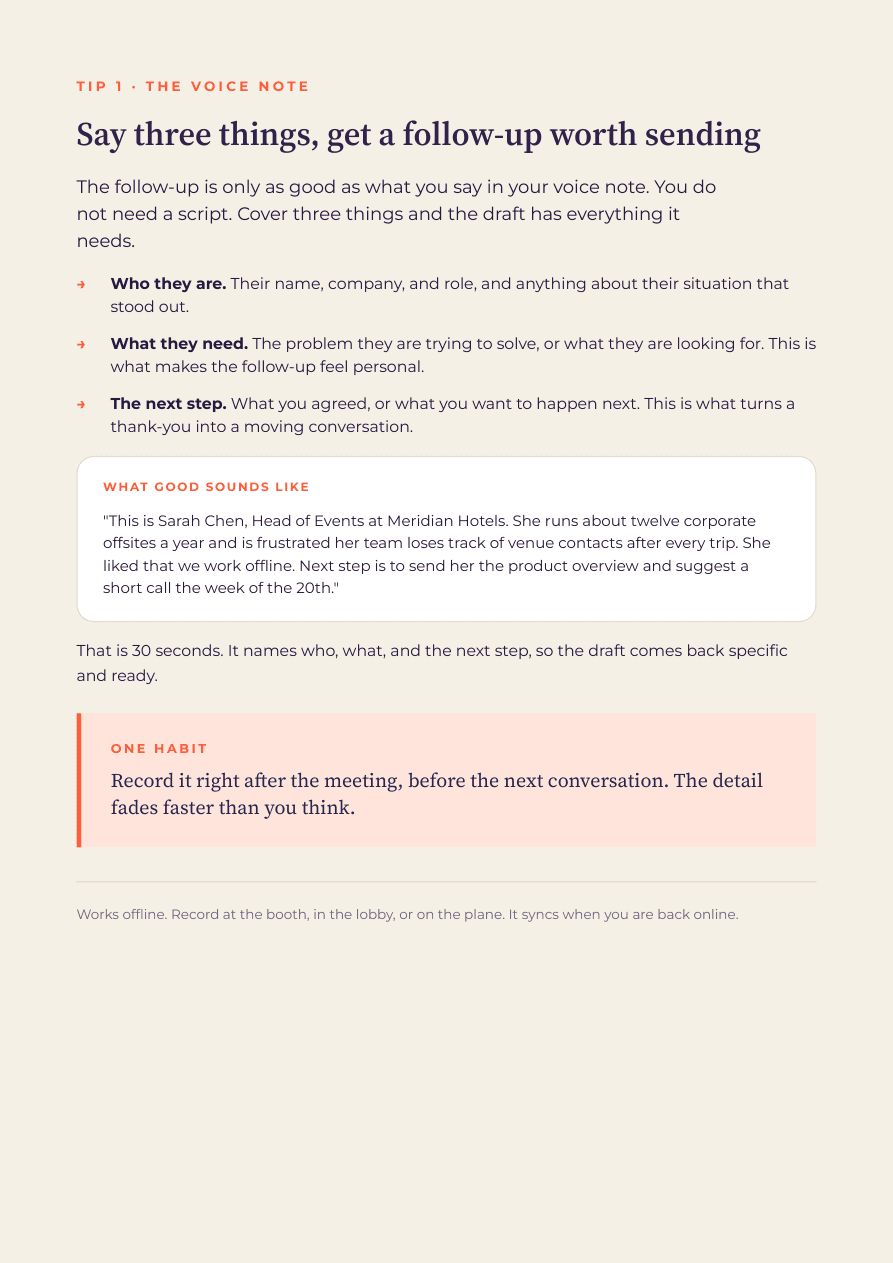
A draft is built from your voice note plus what you set once in the workspace: your business profile and your collateral. Your collateral is the set of links you share most.
Add them once. A draft sees the titles and can point to the right one. Nothing is emailed on its own; you choose what to include.
Tip 3 · Your follow-up control room
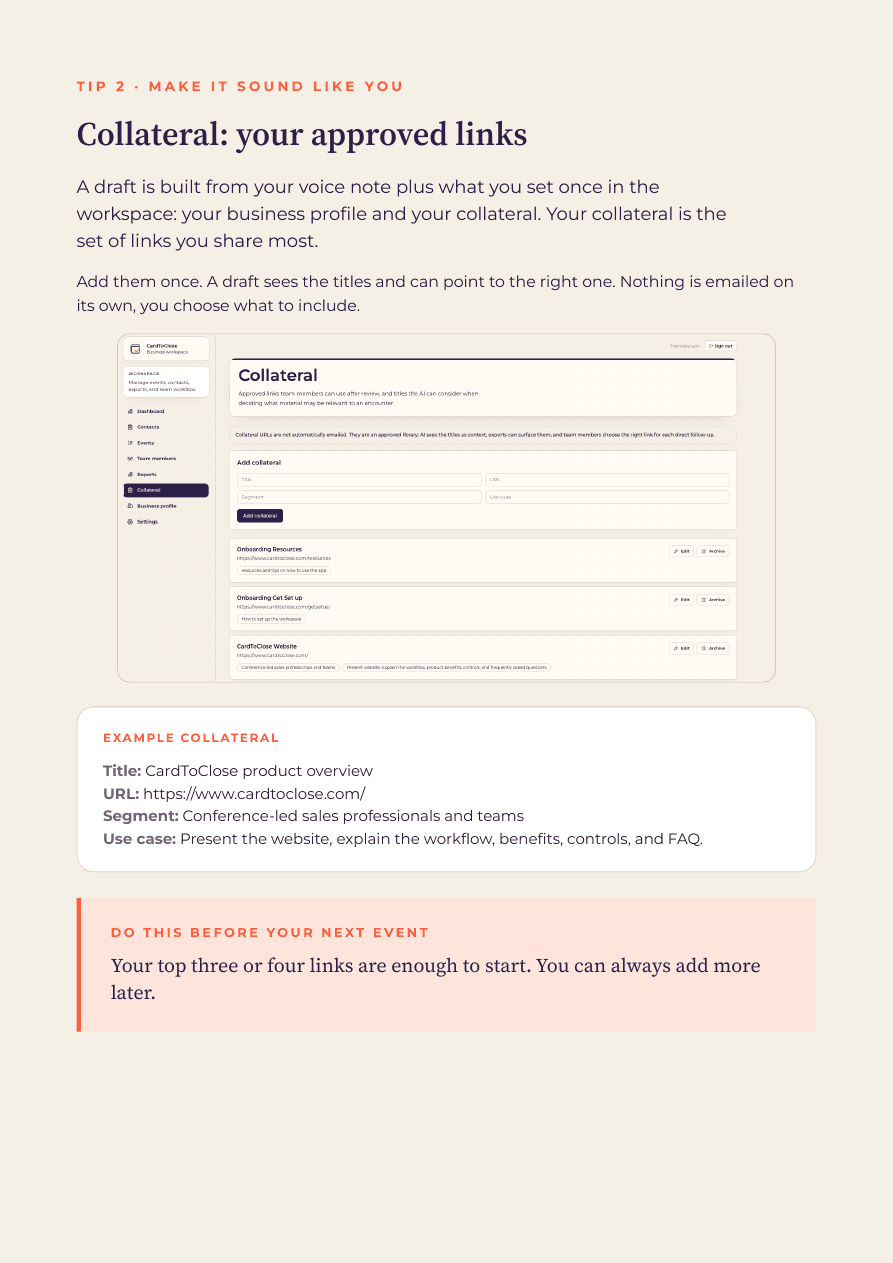
The dashboard is your overview of every contact. At a glance you know what is captured, what is waiting on you, what is ready to send and what has gone out.
Needs your input. Start with the one missing detail.
Ready to send. Review and choose when it goes.
Sent. Sent, marked and closed.
Tip 4 · Get your data out
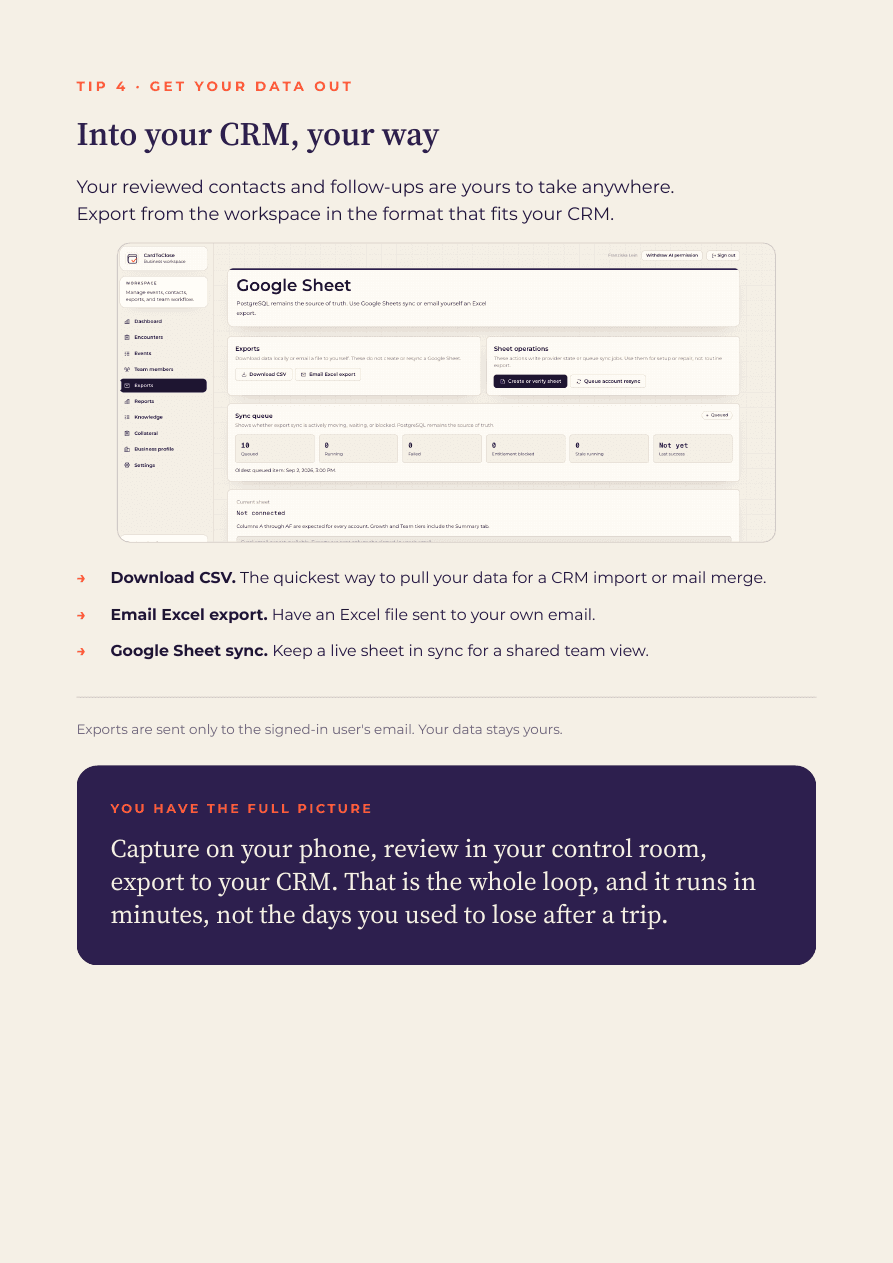
Your reviewed contacts and follow-ups are yours to take anywhere. Export from the workspace in the format that fits your CRM.
Download CSV. The quickest way to pull your data for a CRM import or mail merge.
Email Excel export. Have an Excel file sent to your own email.
Google Sheet sync. Keep a live sheet in sync for a shared team view.
You have the full picture
That is the whole loop, and it runs in minutes, not the days you used to lose after a trip.